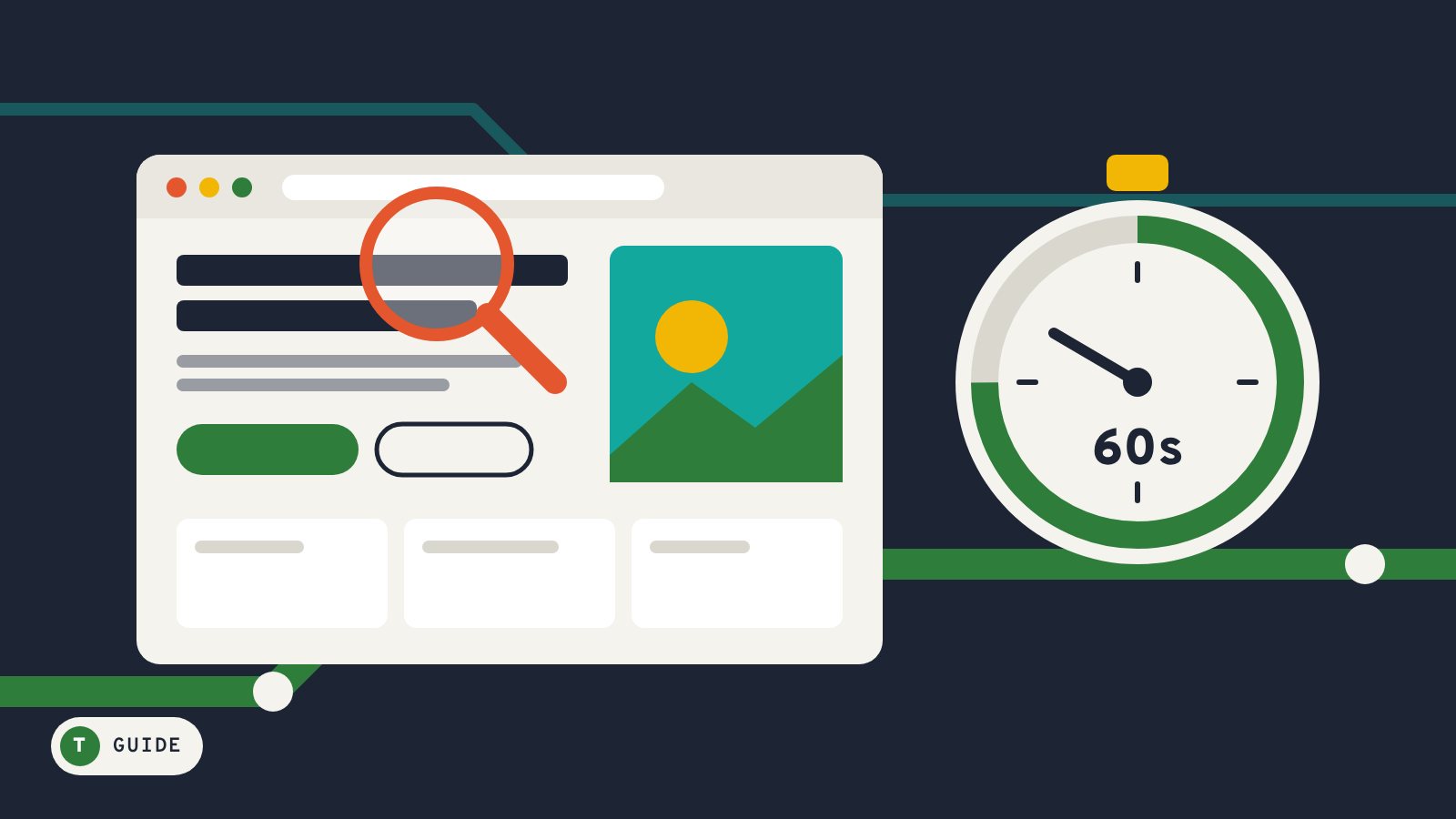
Every listing on Click Business shows a live preview of the company’s own website. That is on purpose: a minute on someone’s site often tells you more than a page of ads. Here is what to look for.
Seconds 0–10: Can you tell what they do and where?
The first screen should say what the business does and which area it serves. If you have to scroll and guess, the company is probably just as unclear when you call. A local business that is proud of where it works says so.
Seconds 10–20: Are the contact details easy to find?
Look for a phone number, an address or service area, and opening hours near the top of the page or in the header. A contact form alone is fine for some businesses, but for urgent services like plumbing or heating you want a number you can call.
Seconds 20–35: Are the photos real?
Stock photos are not a crime, but real photos of the team, the shop or finished jobs are a good sign. They show the business is willing to put its own work in front of you.
Seconds 35–50: Is it up to date?
- A current copyright year in the footer
- Recent projects, posts or announcements
- Prices or “from” prices that look current
- No broken links or “coming soon” pages
An outdated site does not always mean a bad business, but it is worth asking whether their details are still correct.
Seconds 50–60: Does it match what you see elsewhere?
Check that the phone number and address on the website match the listing and the company’s Google profile. Small mismatches happen, but very different details can mean the business moved, changed hands or is not who it says it is.
Try it on Click Business
Search for the service you need, hover over a listing card and the website scrolls by like the view from a train window. Open the full listing to see contact details, hours and reviews in one place. Start searching businesses.