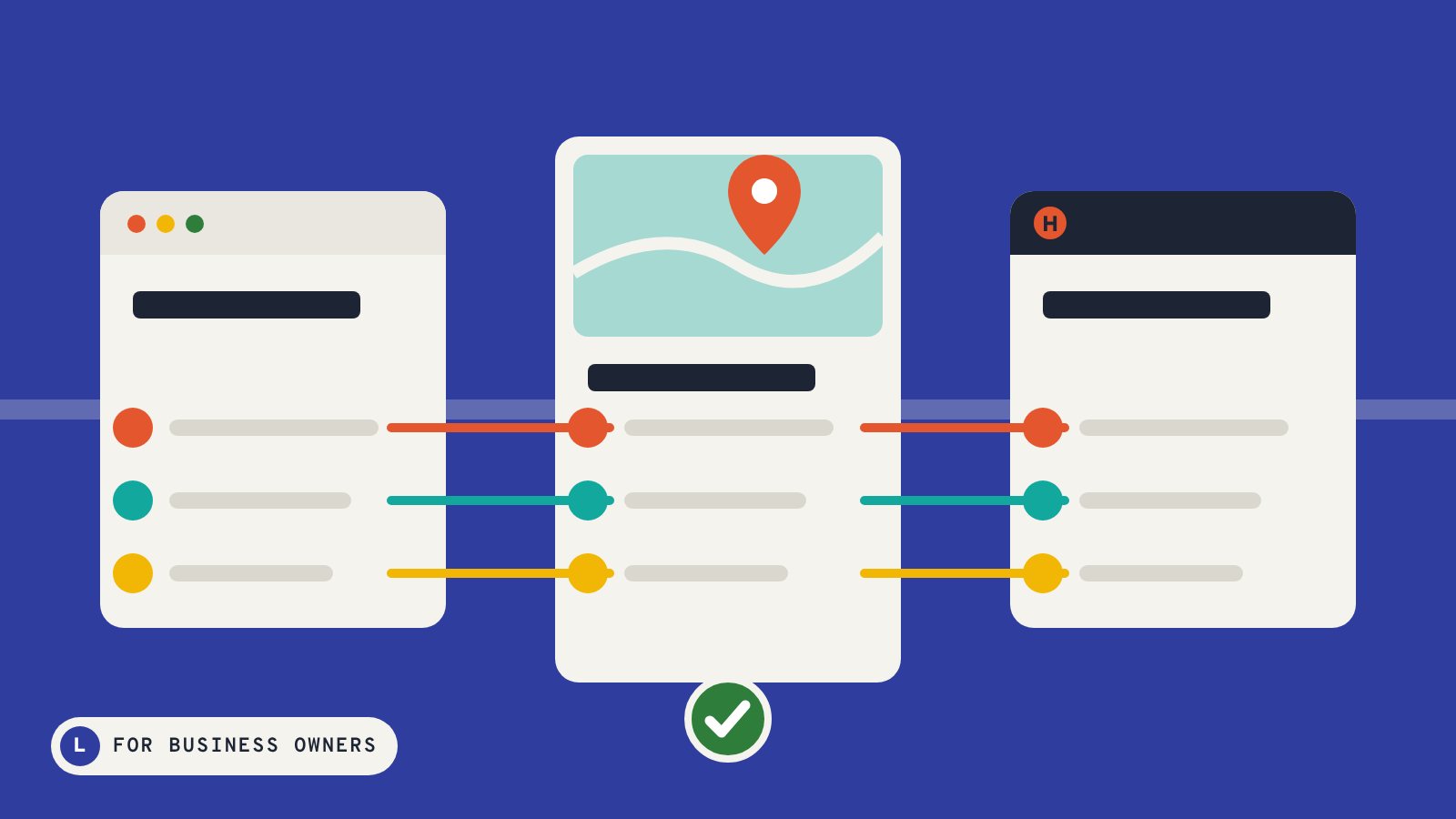
Click Business is a directory of local businesses that customers can actually look at: every listing shows the company’s own website alongside its contact details, hours and Google rating. If you run a local business, here is how to get your place on the map.
What a listing includes
- Your business name, linked to your website
- A live preview of your website
- Phone number, address and directions
- Opening hours
- Your category, so customers browsing that line find you
- Google rating, reviews, photos and services where available
What to prepare
Having this ready makes setup quick and keeps your details consistent with the rest of the web.
- Your business name exactly as customers know it
- Website address
- Main phone number and email
- Street address or the area you serve
- Opening hours
- A short description of what you do and where
- The category that fits you best
Write a description customers want to read
Keep it to a few clear sentences: what you do, who you do it for, where you work and what makes you different. Mention the services people search for, in plain language. Skip the long list of buzzwords.
Keep it up to date
Moved, changed your hours or launched a new website? Let us know so your listing stays accurate. Up-to-date listings earn more trust and more calls.
Get started
Ready to put your business where customers are already clicking? Contact us with your business name and website, and we will take it from there.